

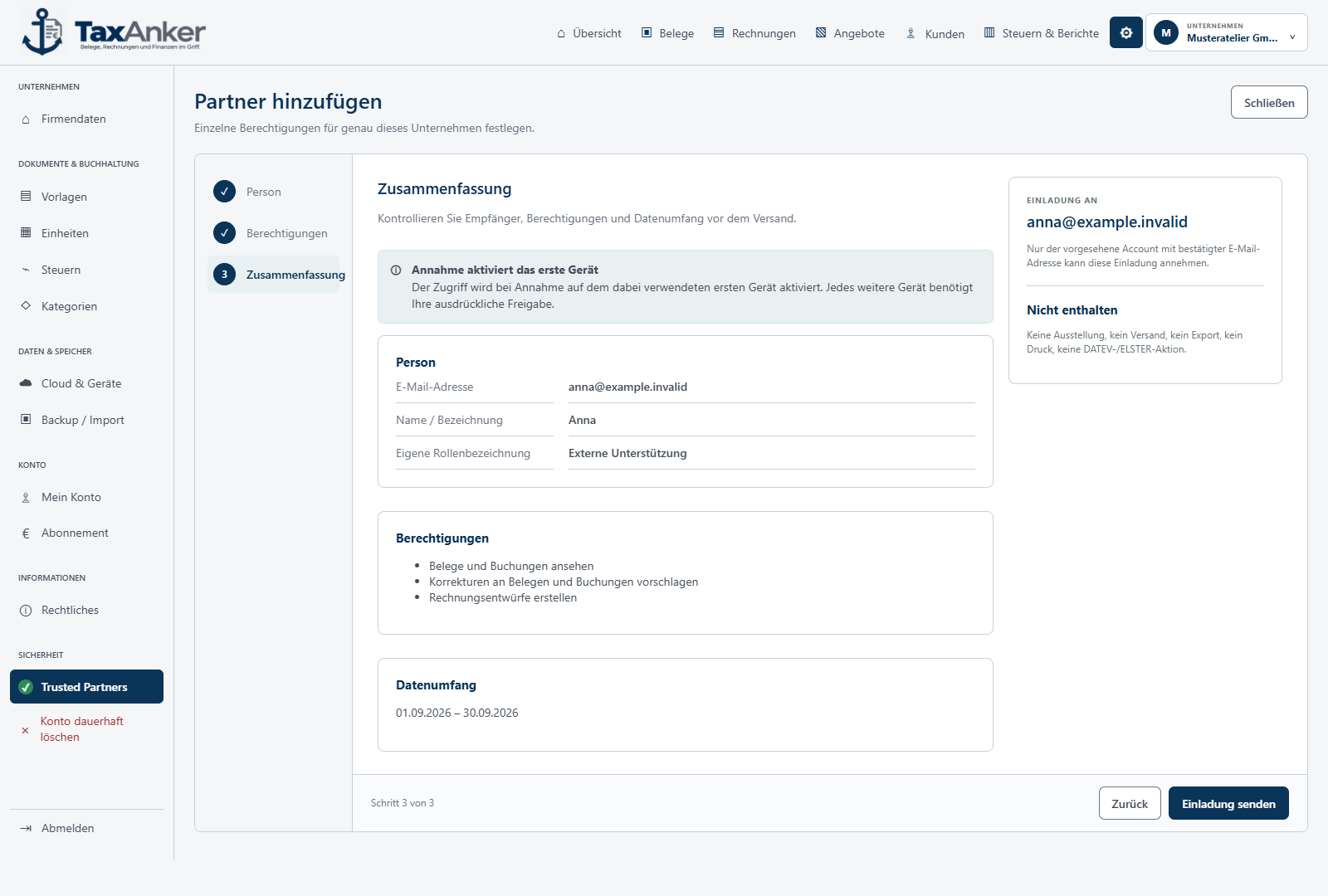
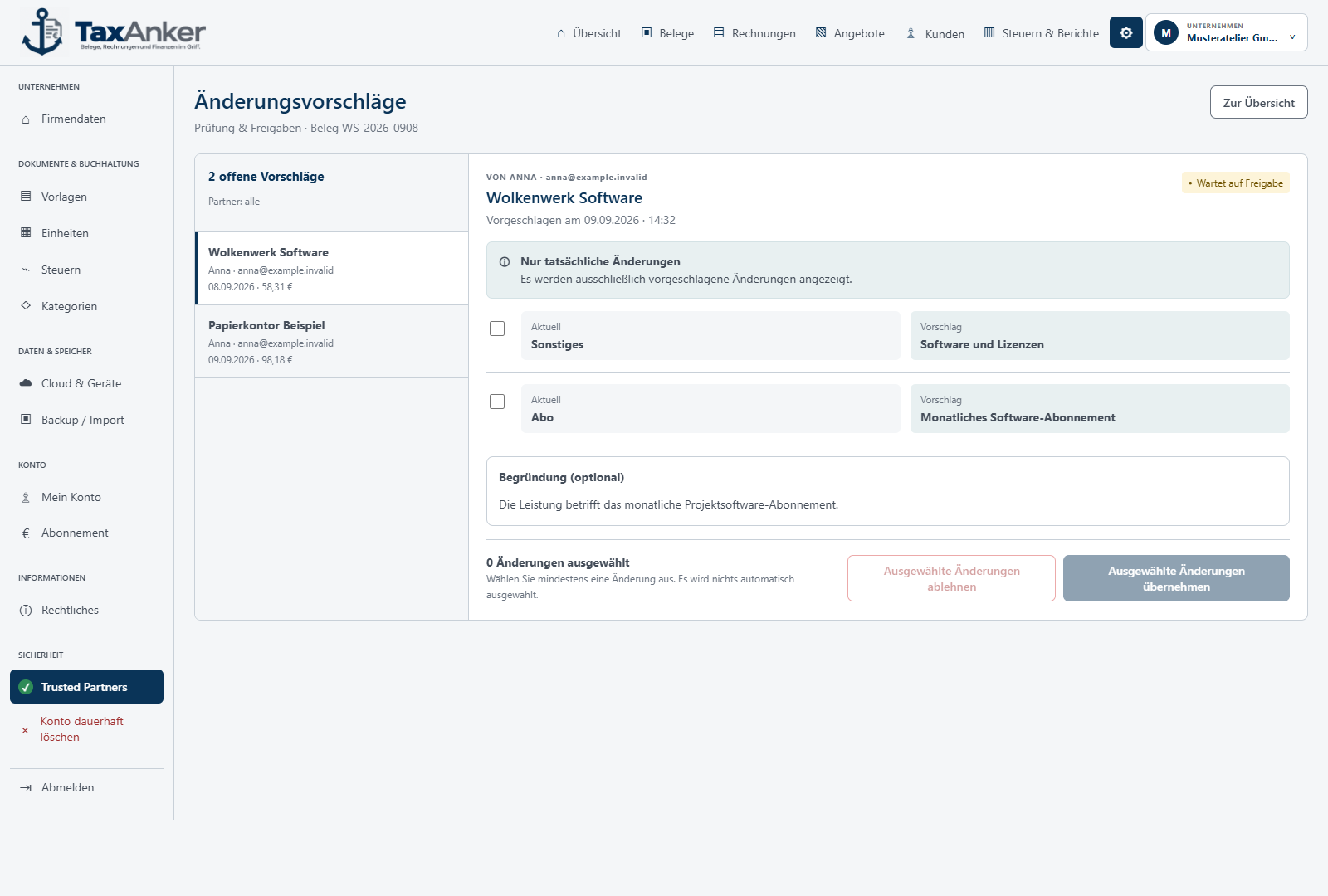
Invite a partner
The company decides who may help. There is no access without an invitation.
 TaxAnker
Intelligent document recognition
Your documents, invoices and finances under control.
TaxAnker reads PDFs, scans and receipt photos and fills in the key fields automatically. You review the recognised details and add or correct anything needed.
For Windows · In development
Release notification
Release list openEnter your email address. As soon as TaxAnker is released, you will receive one message with the launch date and access to the planned 14-day trial.
02 / Confirm email
Confirmation link requested for:
Open the link in the email to confirm your place on the release list. Check your spam folder if needed.
Less typing. More done.
For small businesses and freelancers who want to spend less time entering document details.
Add a PDF invoice, scan or receipt photo to TaxAnker.
PDF · Scan · PhotoTaxAnker recognises details such as the supplier, invoice date, invoice number and amounts, and fills in the corresponding fields.
Recognise & prefillCompare the recognised values with the original. Add missing details, correct any differences and confirm what you have reviewed.
Your review makes the differenceRecognition depends on the document’s readability and layout. You can edit the details before confirming them.
Inside TaxAnker
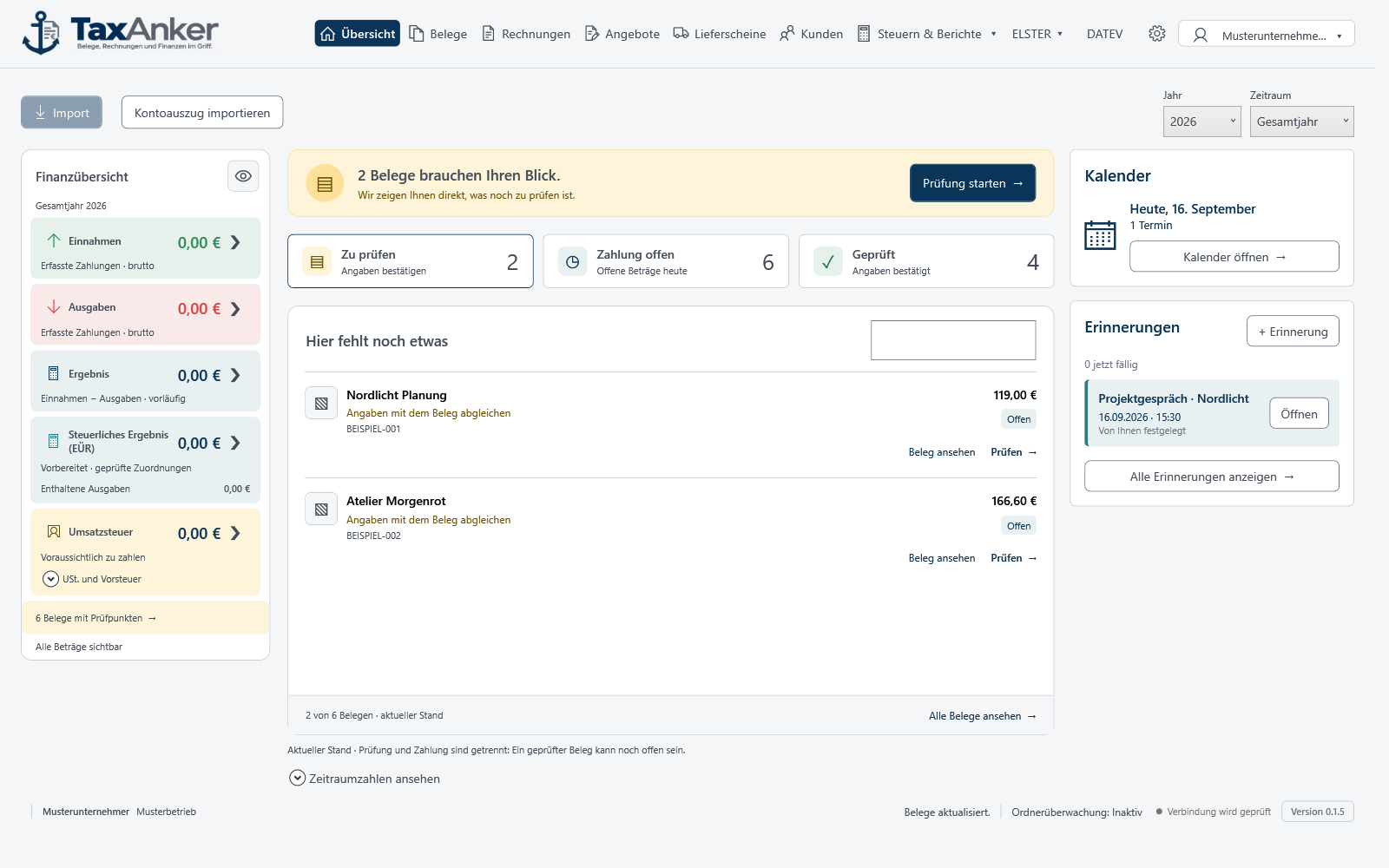
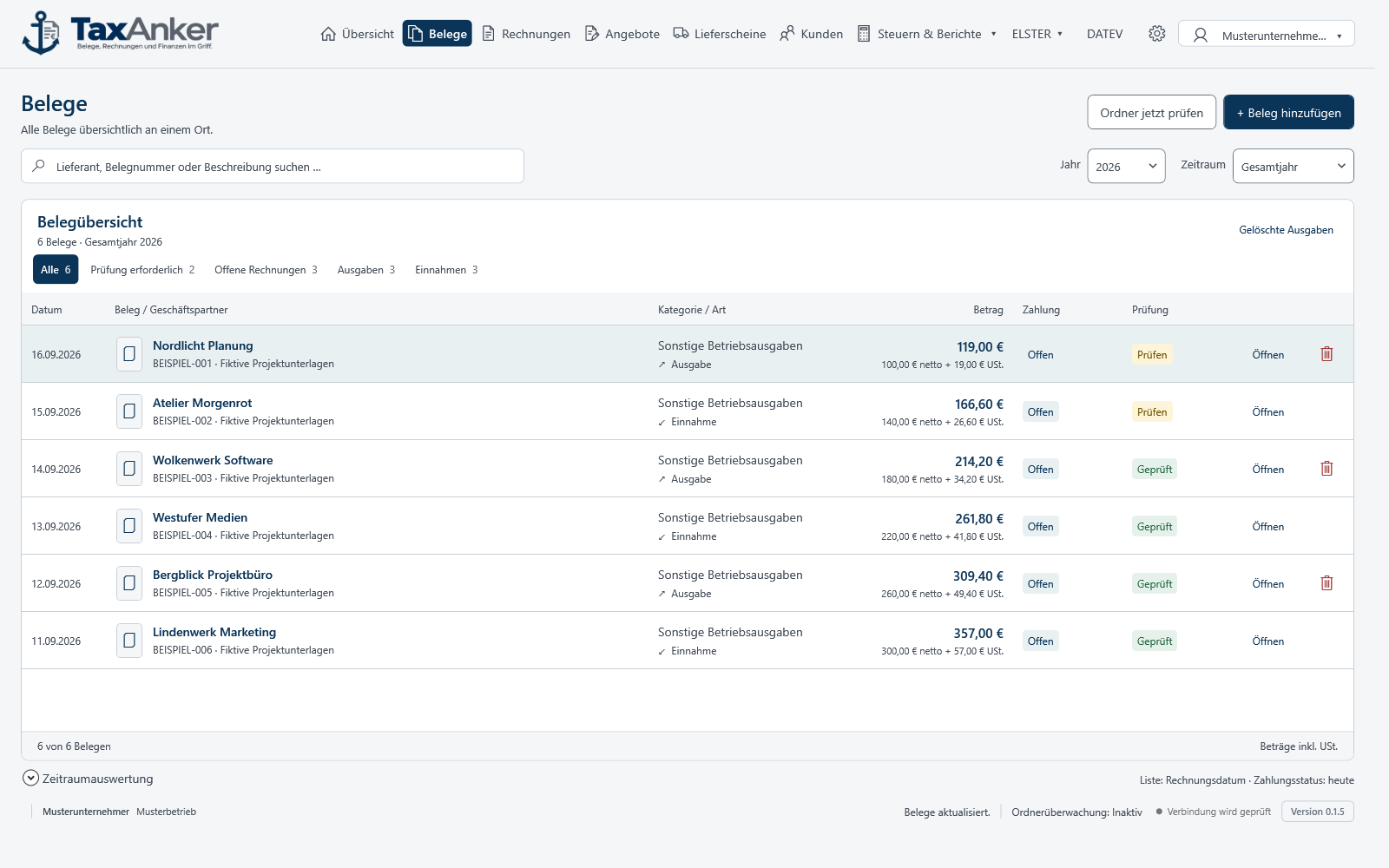
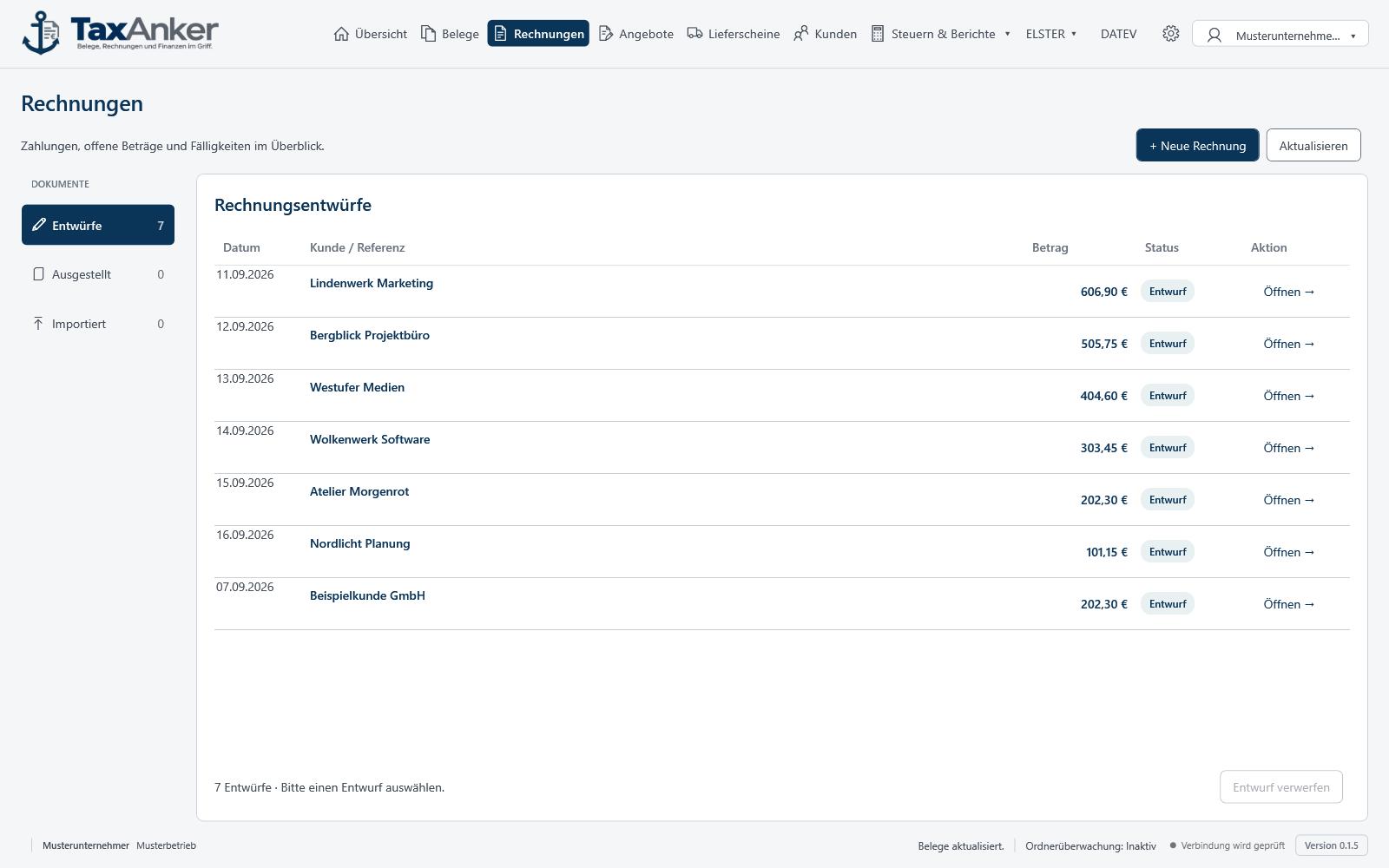
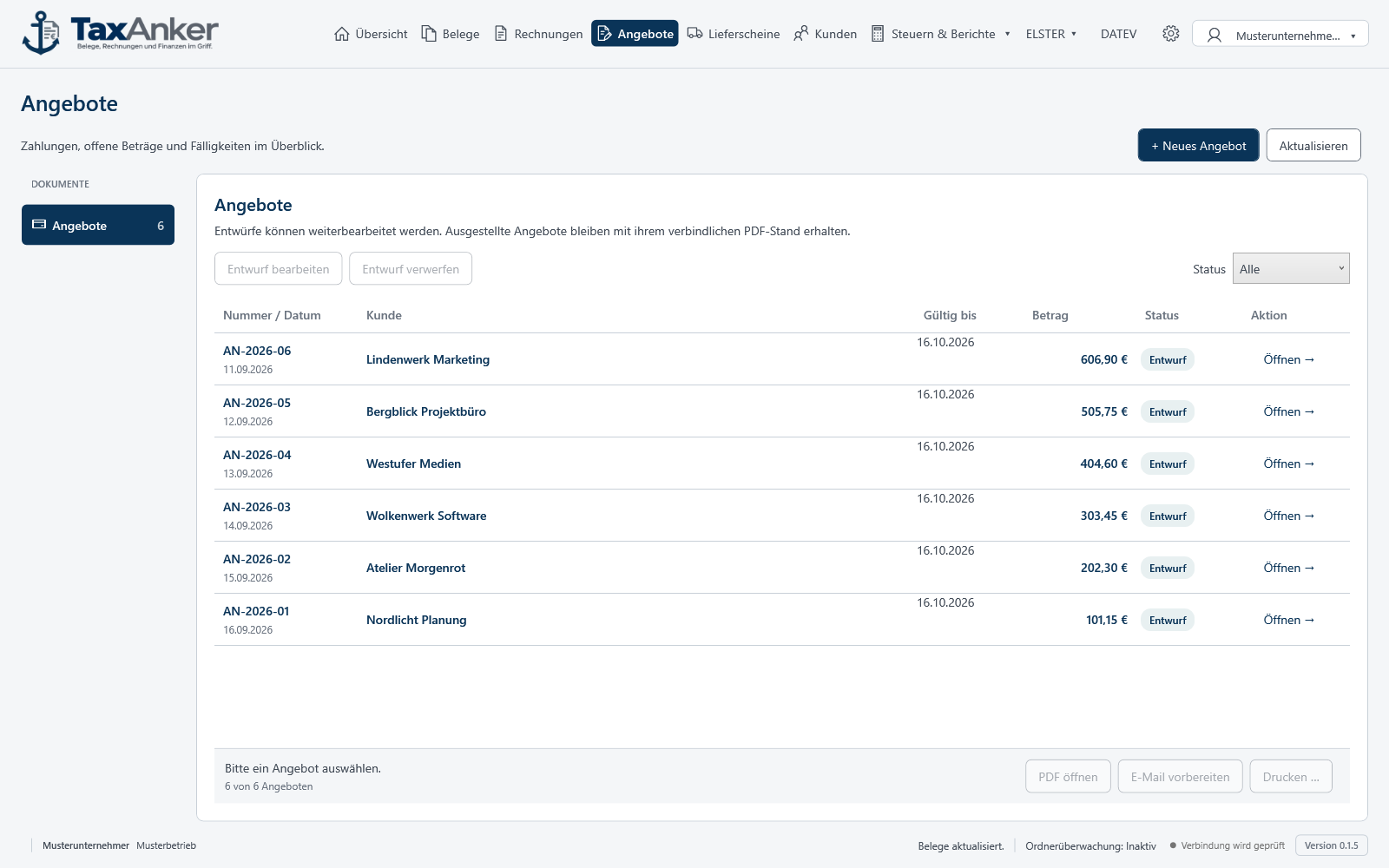
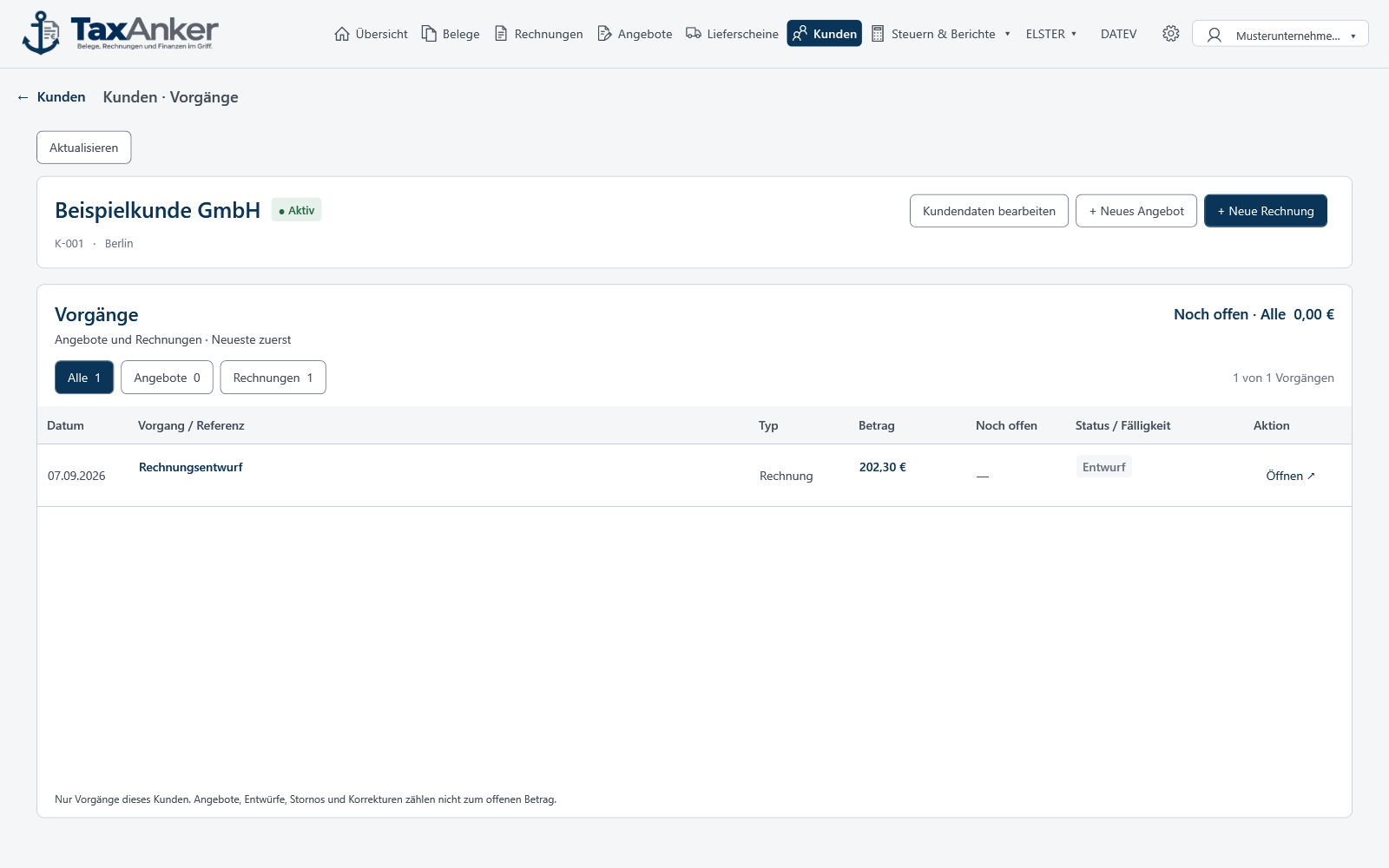
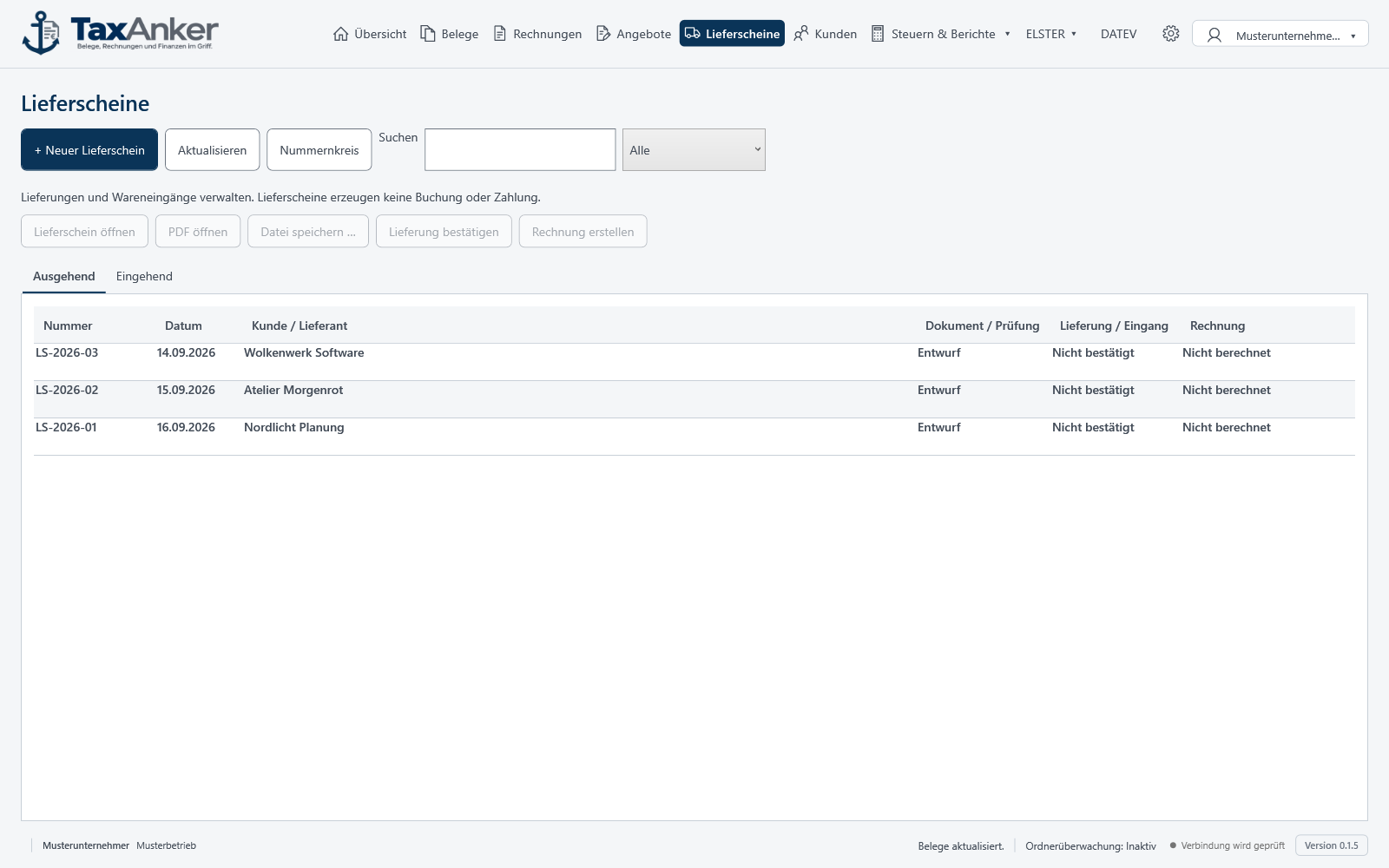
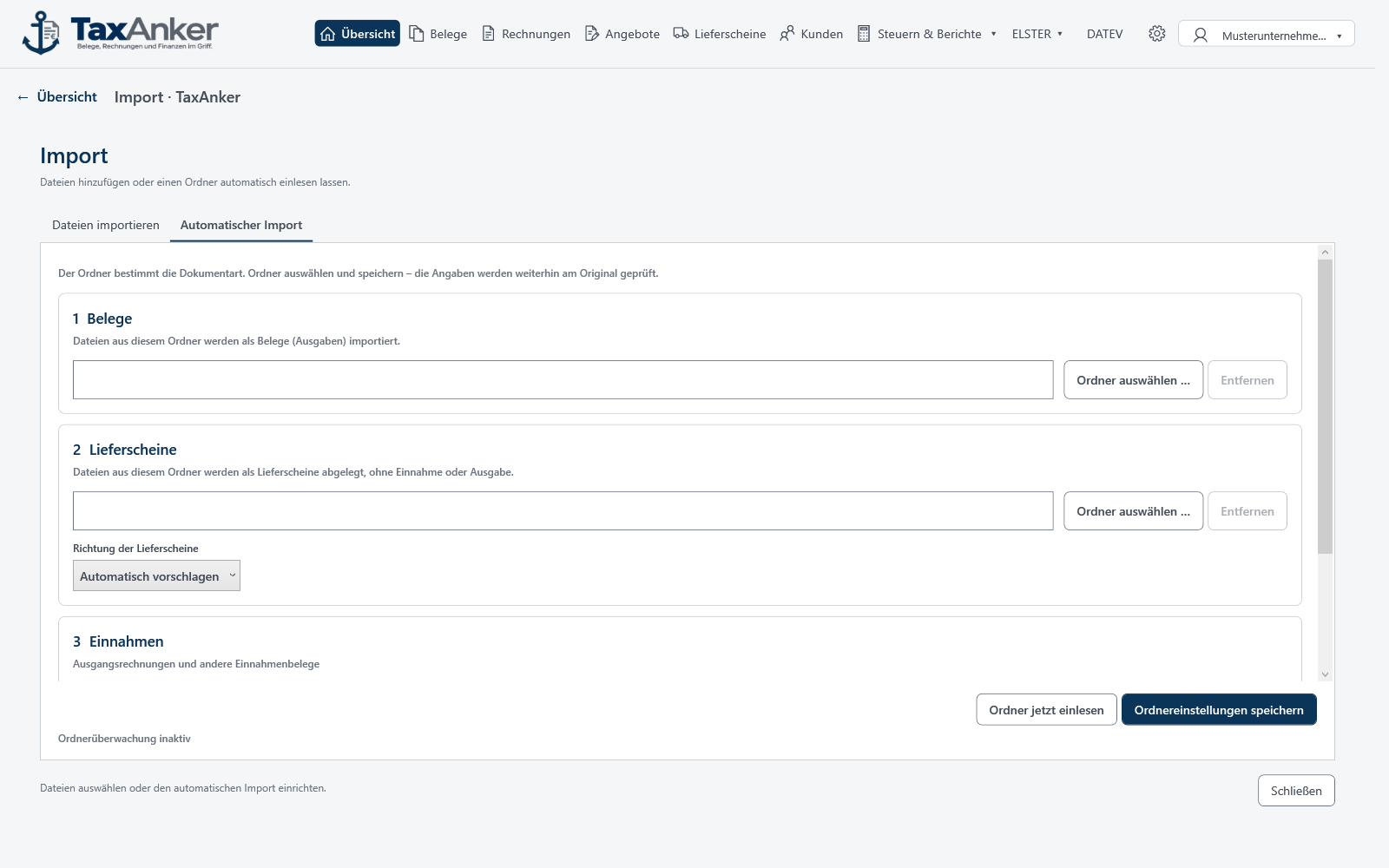
Nine original views and
two Partner Access previews.
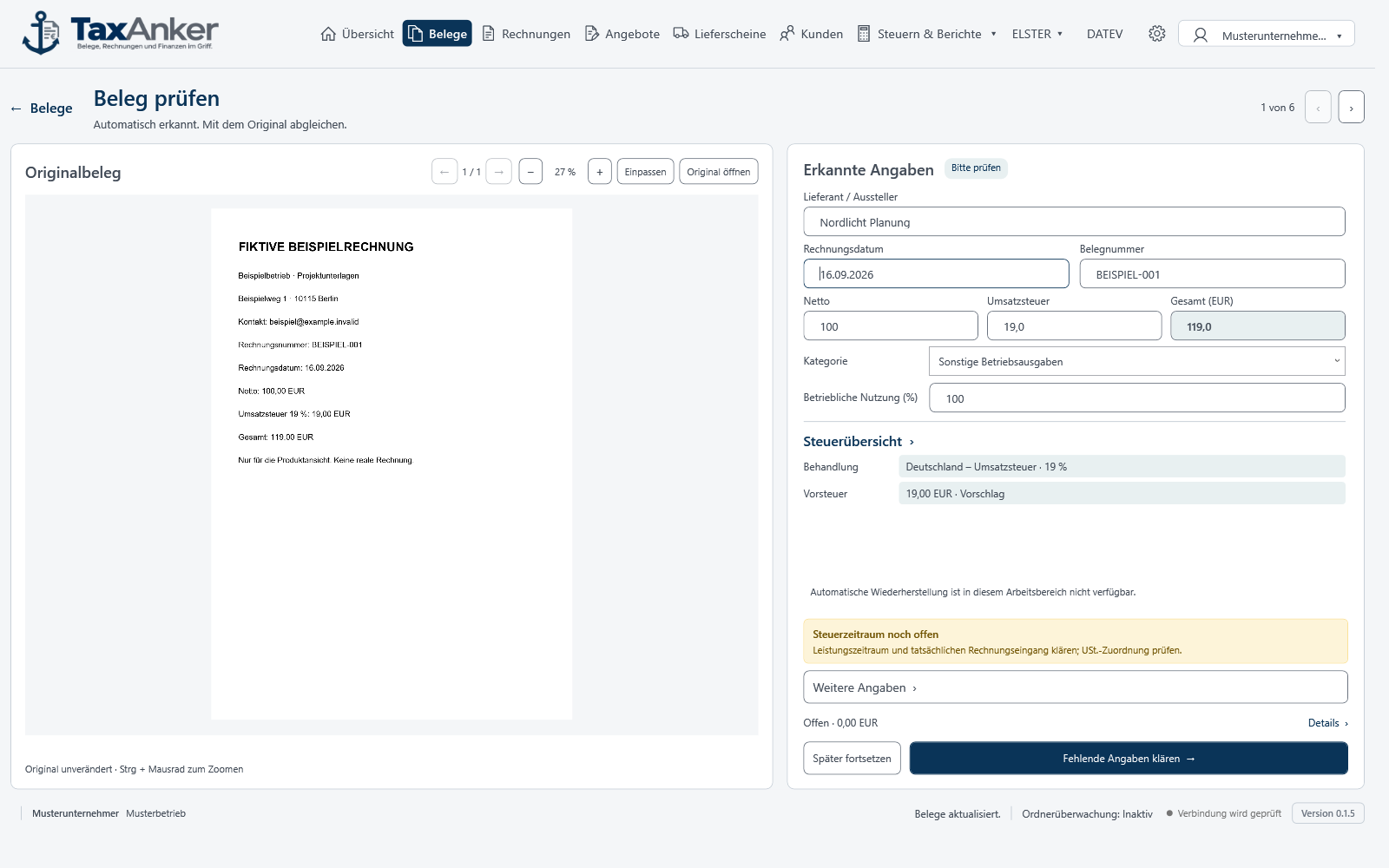
TaxAnker in German · fictional business data · partner screens are design previews.
Partner Access · always €0 · planned
A company invites a trusted person or service provider. The partner helps remotely exactly where assistance is needed and explicitly approved.

The company decides who may help. There is no access without an invitation.
Only explicitly shared areas are available during support.
The partner assists remotely while every company’s data stays clearly separated.
Planned feature: exact access controls and available partner capabilities will be defined before launch.
ELSTER & DATEV
TaxAnker creates the VAT advance return and DATEV package from reviewed entries. The VAT advance return is checked in TaxAnker and, once you approve it, sent directly to the tax authorities via ERiC. The DATEV package remains encrypted locally and is released specifically for import.
Direct ELSTER submission with ERiC
Prepare and check your VAT advance return in TaxAnker and submit it directly to the tax authorities.
Select a month or quarter. TaxAnker creates a provisional VAT advance return summary from the reviewed entries.
Compare the amounts with the documents and resolve outstanding notes. Unreviewed or unsupported cases block submission.
Choose your ELSTER certificate and enter the PIN only for this transaction. TaxAnker does not store the PIN.
ERiC checks the plausibility of the VAT advance return. Once you explicitly confirm, ERiC sends it encrypted to the tax authorities' acceptance servers; TaxAnker displays the result.
No manual transfer to Mein ELSTER: submission starts only after your explicit approval. Nothing is submitted automatically in the background.
ERiC is the tax administration's official ELSTER software library. TaxAnker prepares the VAT advance return locally, ERiC checks it for plausibility and transmits it over a secure connection.
Your certificate and PIN remain under your control. The PIN is used temporarily only for the selected transaction. Before submission, you see the summary and explicitly confirm the filing.
Official information about ELSTER and ERiCYour ZIP package for DATEV
Bring invoice data and original documents together, store the package encrypted and prepare it for DATEV.
Filter by invoice date or select individual documents. You decide exactly which files belong in the package.
TaxAnker checks your selection and creates a ZIP with structured XML invoice data and the original documents. Missing or unsupported details must be resolved first.
The prepared package stays encrypted in local storage. For import, you release an unencrypted ZIP copy for ten minutes; you can extend this time if needed.
Import the released ZIP copy unchanged through DATEV Belegtransfer into a supported DATEV environment. Review the result in the import log.
You need a DATEV environment with compatible XML import and the required access rights. You start the import yourself through DATEV Belegtransfer.
Structured XML invoice data and the corresponding original documents. The initial version supports reviewed incoming and outgoing EUR invoices in supported tax cases. Special cases may block preparation.
The local preparation is encrypted, with a retention period of seven days. The released ZIP copy is unencrypted for import. TaxAnker cleans up expired preparations and import copies while running or at the next start; your original documents are preserved. You upload the package and review the import log yourself.
Official DATEV handover workflow (PDF)You choose which documents go into the package and when to release it. Check the details against the originals and review the result before using it for tax purposes.
Let TaxAnker recognise and prefill key details. Review and correct them, with less manual typing.
Prepare documents and find the key details in one place.
Compare income and expenses. Understand how your business is developing.
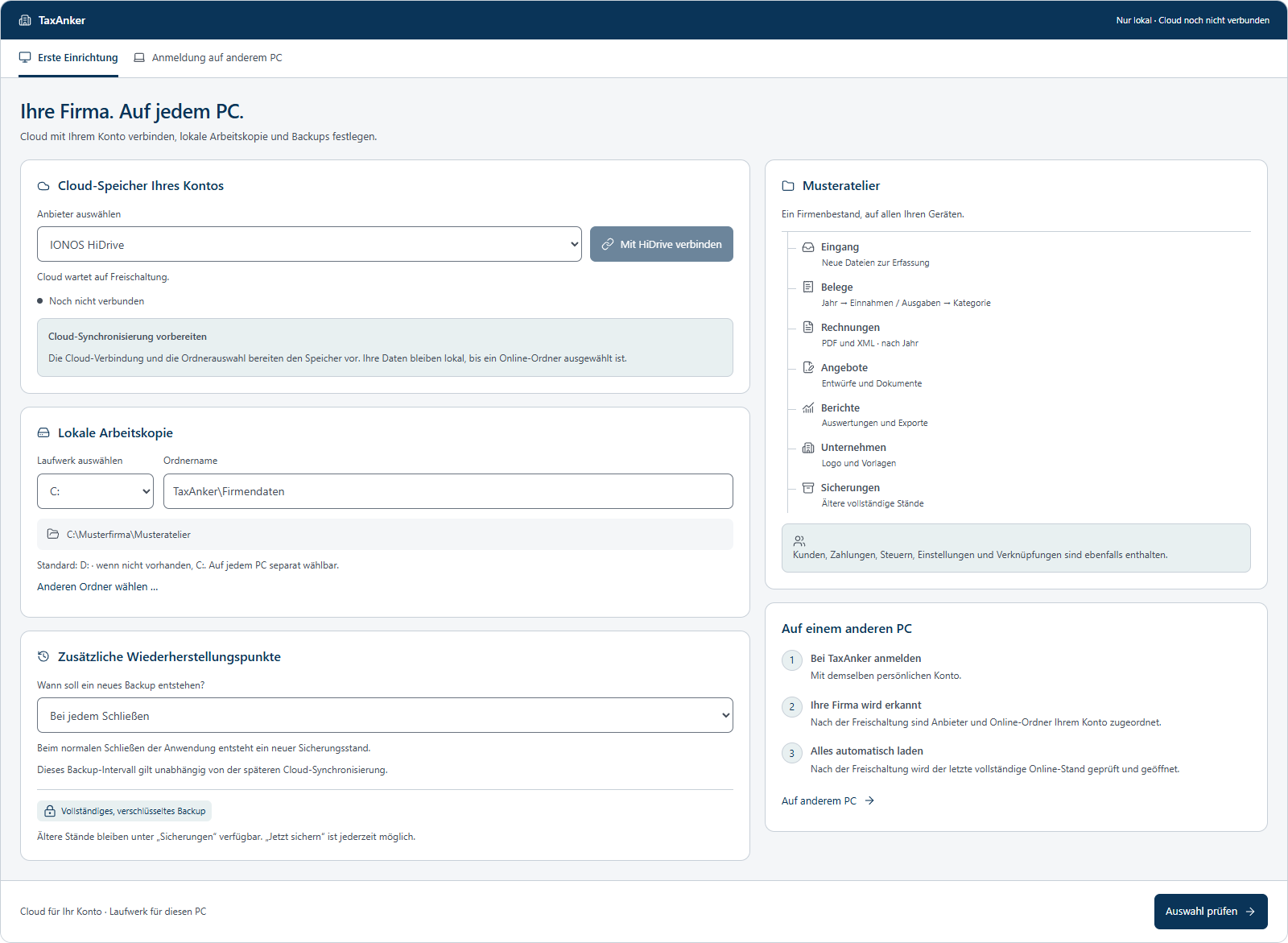
Planned feature
An optional connection to your own HiDrive account is being prepared. Planned features include encrypted company backups and controlled data synchronisation between your devices.
The HiDrive integration is not yet available.
Get in touch
Would you like to know more about TaxAnker or ask a question about the application? We would be happy to hear from you.